
Hook Extensions are an Enterprise Edition
feature and are only available on single-tenant deployments.
Overview
Hook Extensions let you inject custom logic into Zortex’s pipeline at defined stages — without modifying Zortex source code. You provide an HTTP endpoint; Zortex calls it at the right moment, sends a JSON payload, and uses your response to influence what happens next.Concepts
Hook Points
A hook point is a defined stage in Zortex’s pipeline where custom logic can be injected. Each hook point specifies:- When it fires in the pipeline
- What payload it sends to your endpoint
- What response it expects back
- A default timeout and fail strategy
Hooks
A hook connects a hook point to your HTTPS endpoint. When the hook point is triggered, Zortex POSTs a request to your endpoint and uses your response to continue, modify, or abort the pipeline. Only one hook per hook point is allowed at a time.How It Works
1
Zortex reaches a hook point in the pipeline
The pipeline triggers at a defined stage.
2
Zortex POSTs to your endpoint
If an active hook is configured for that point, Zortex sends a JSON payload to your endpoint URL.
3
Your endpoint responds
Your endpoint processes the payload and returns a JSON response.
4
Zortex continues
Zortex uses your response to continue, modify, or abort the pipeline.
Adding a Hook
1
Navigate to Hook Extensions
Go to the Admin Panel and select Hook Extensions.
2
Connect a hook point
Find the hook point you want to use and click Connect.
3
Fill in the hook details
Complete the form:
4
Connect
Click Connect. Zortex validates your endpoint with a test request before saving. On success,
the hook appears in the connected list.
Managing a Hook
Once connected, you can:- Activate / Deactivate — toggle whether the hook runs
- Edit — update the name, endpoint URL, API key, timeout, or fail strategy
- Delete — remove the hook entirely
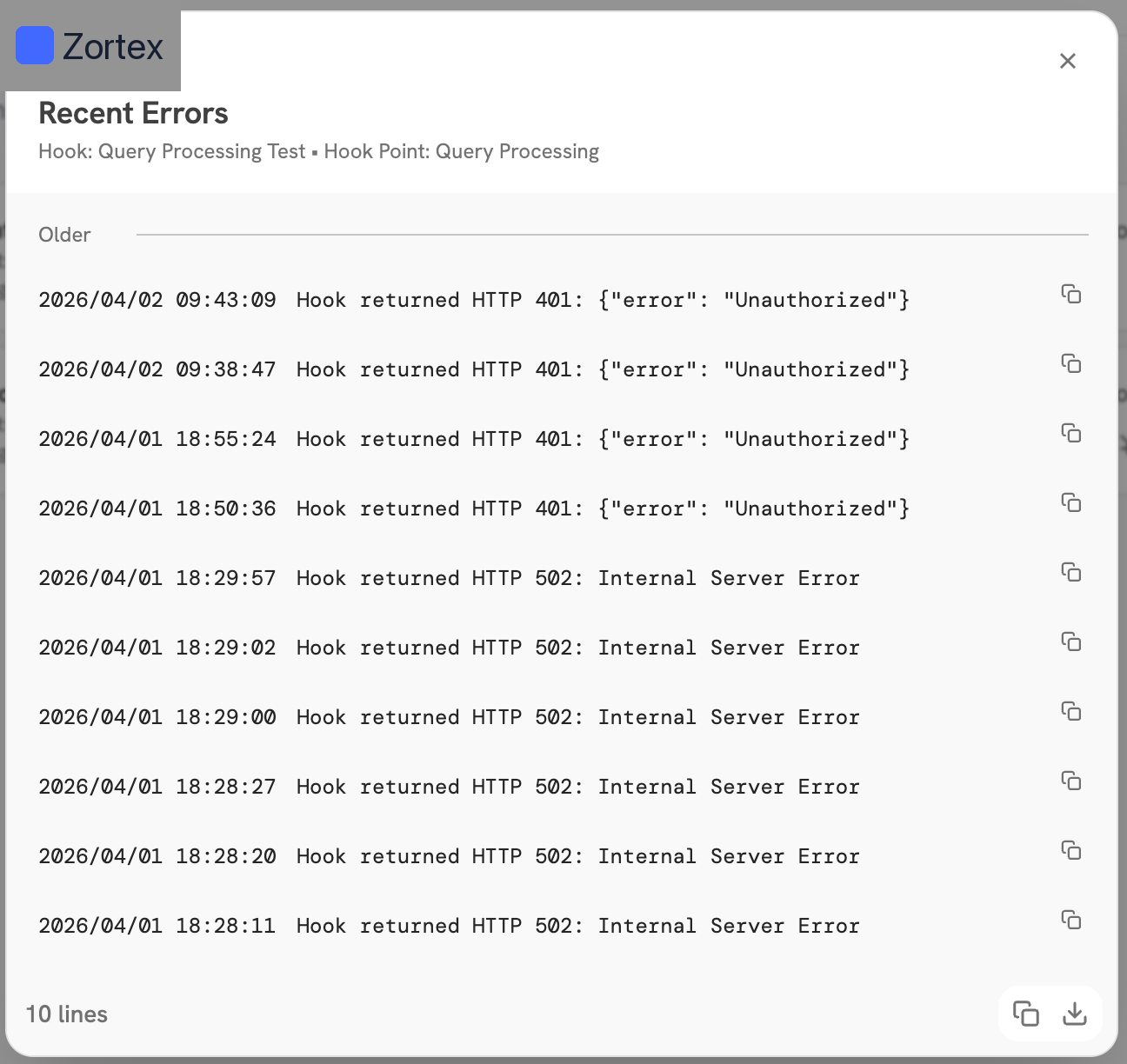
- View Logs — inspect recent execution failures for debugging
Hook Health
Zortex monitors your endpoint after the hook is registered and connected, displays its current health status.| Status | Meaning |
|---|---|
 Connected Connected | Reachable, no failures in the last hour |
 Degraded Degraded | Reachable, but failures occurred in the last hour |
 Connection Lost Connection Lost | Zortex cannot reach your endpoint |

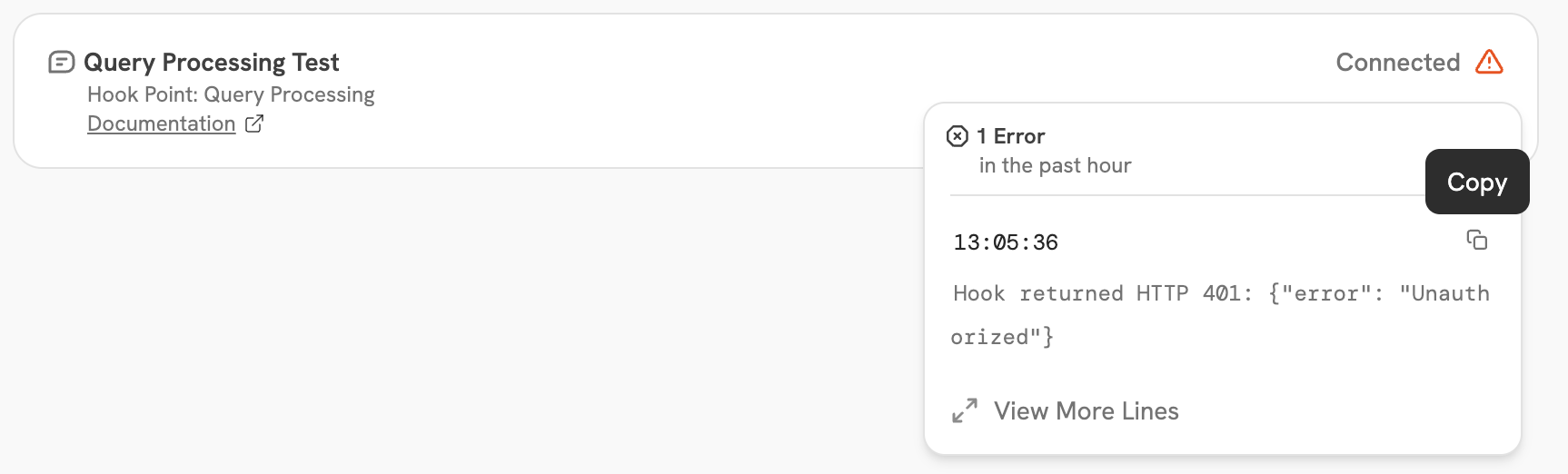
 The 10 most recent failures from the past 30 days are also shown to help with debugging.
Document Ingestion
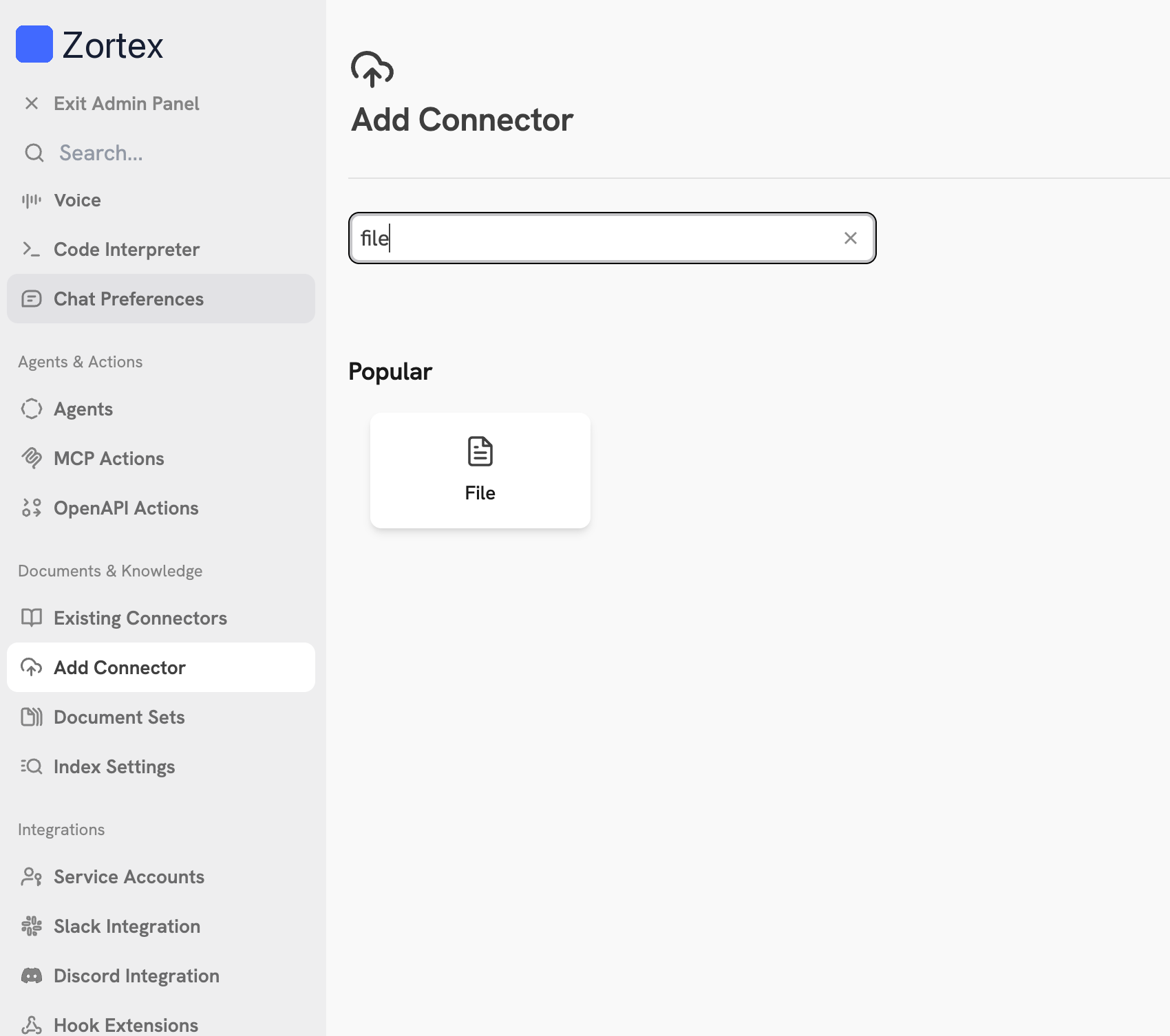
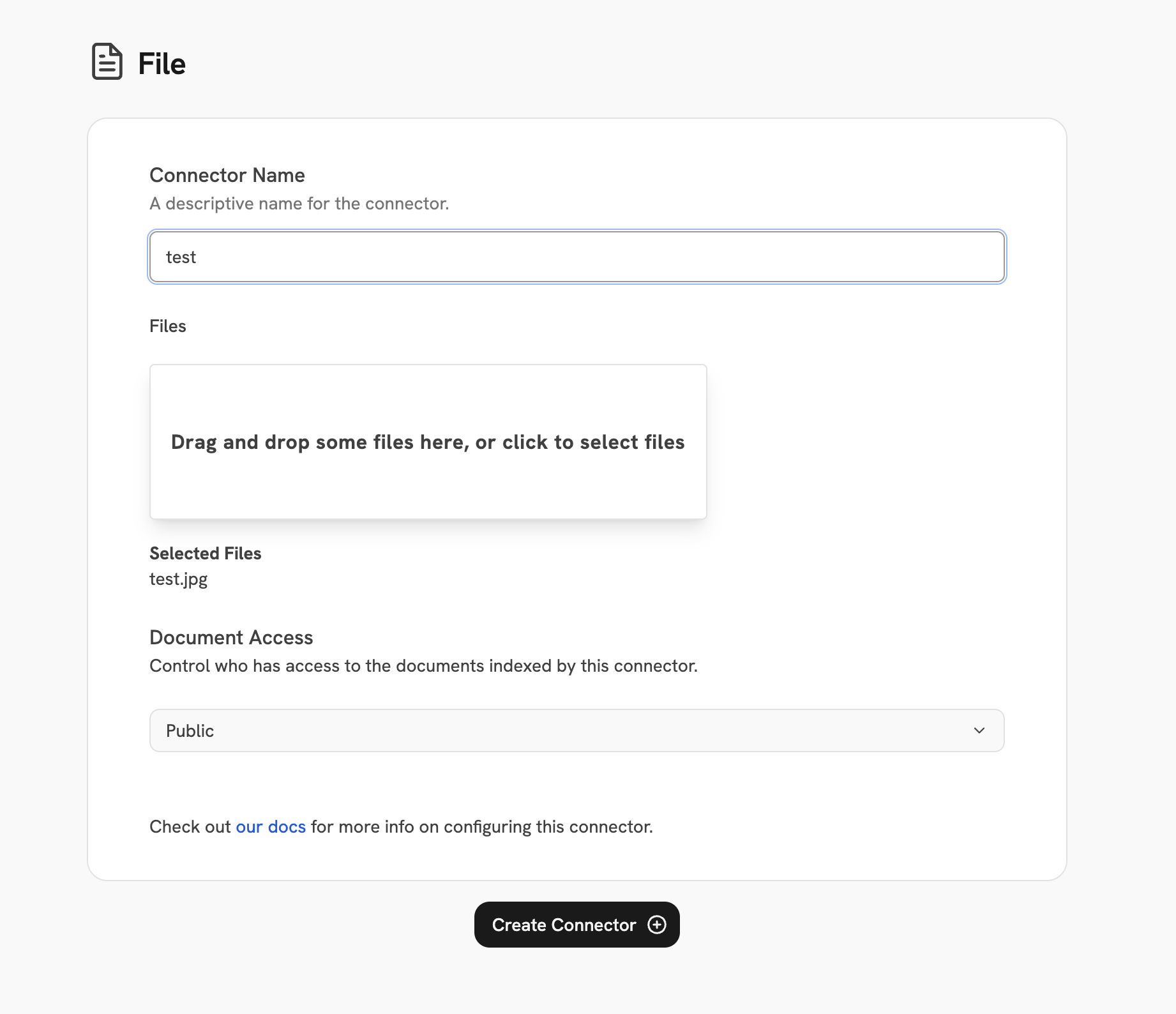
The Document Ingestion hook point lets you intercept every document before it enters the Zortex indexing pipeline. Your endpoint receives the fully-formed document and can filter it out, rewrite its content, or pass it through unchanged. It runs immediately after Zortex’s internal validation and before the indexing pipeline begins — no partial writes have occurred yet.Input Schema
Zortex sends aPOST request to your endpoint once per document with the following JSON body:
All input fields are provided for context only.
Your endpoint can only influence the pipeline through the output schema — specifically the
sections field.Metadata Keys by Connector
The keys present inmetadata depend on the connector source. Below are a few examples:
Example
Output Schema
A successful response from your endpoint must return HTTP200 and a JSON body:
Example: Pass through unchanged
Example: Pass through unchanged
Example: Rewrite content (PII redaction)
Example: Rewrite content (PII redaction)
Example: Drop the document
Example: Drop the document
Authentication
If you configured an API key when registering the hook, Zortex includes it in every request:Lambda Example
You can use an AWS Lambda function as your hook endpoint by exposing it over HTTPS via a Lambda Function URL. This is the simplest way to deploy a hook without managing a server. When Zortex calls your endpoint, the request arrives as an API Gateway-style event. Your handler reads the JSON body fromevent["body"], processes the document,
and returns a response with a statusCode and a JSON-encoded body.
If you configured an API key on the hook, validate it against the Authorization header in the event before processing.
Lambda Example (Python)
Lambda Example (Python)
Testing
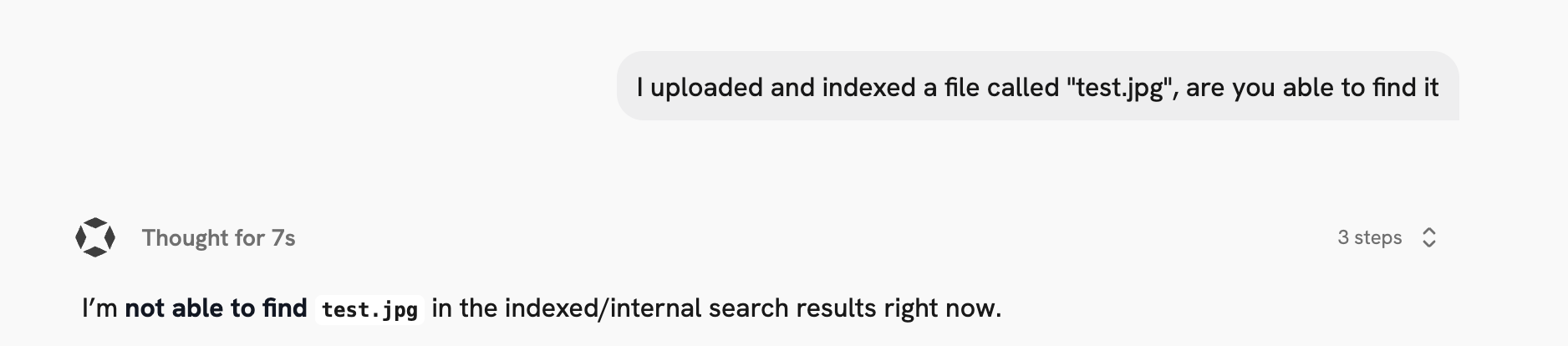
Usecurl to test your Lambda Function URL before connecting it to Zortex.
Pass-through (non-file source):
Document Push
The Document Push hook point fires after each document is successfully indexed. Use it to push indexed content to an external destination such as a wiki, data warehouse, or audit log. Unlike Document Ingestion (which runs before indexing and can modify or drop documents), this hook fires after the document has been written to the index. The response body is not used — any2xx response is treated as success.
Document Push only fires for public connectors in single-tenant deployments,
and only during incremental syncs — it does not fire during an initial index or a full re-index from the
beginning.
Input Schema
Zortex sends aPOST request to your endpoint once per successfully indexed document with the following JSON body:
Example
Output Schema
The response body is not used — any2xx status code is treated as success.
Your endpoint can return an empty body or any JSON object.
Authentication
If you configured an API key when registering the hook, Zortex includes it in every request:Lambda Example
You can use an AWS Lambda function as your hook endpoint by exposing it over HTTPS via a Lambda Function URL.Lambda Example (Python)
Lambda Example (Python)
Testing
Usecurl to test your endpoint before connecting it to Zortex:
Query Processing
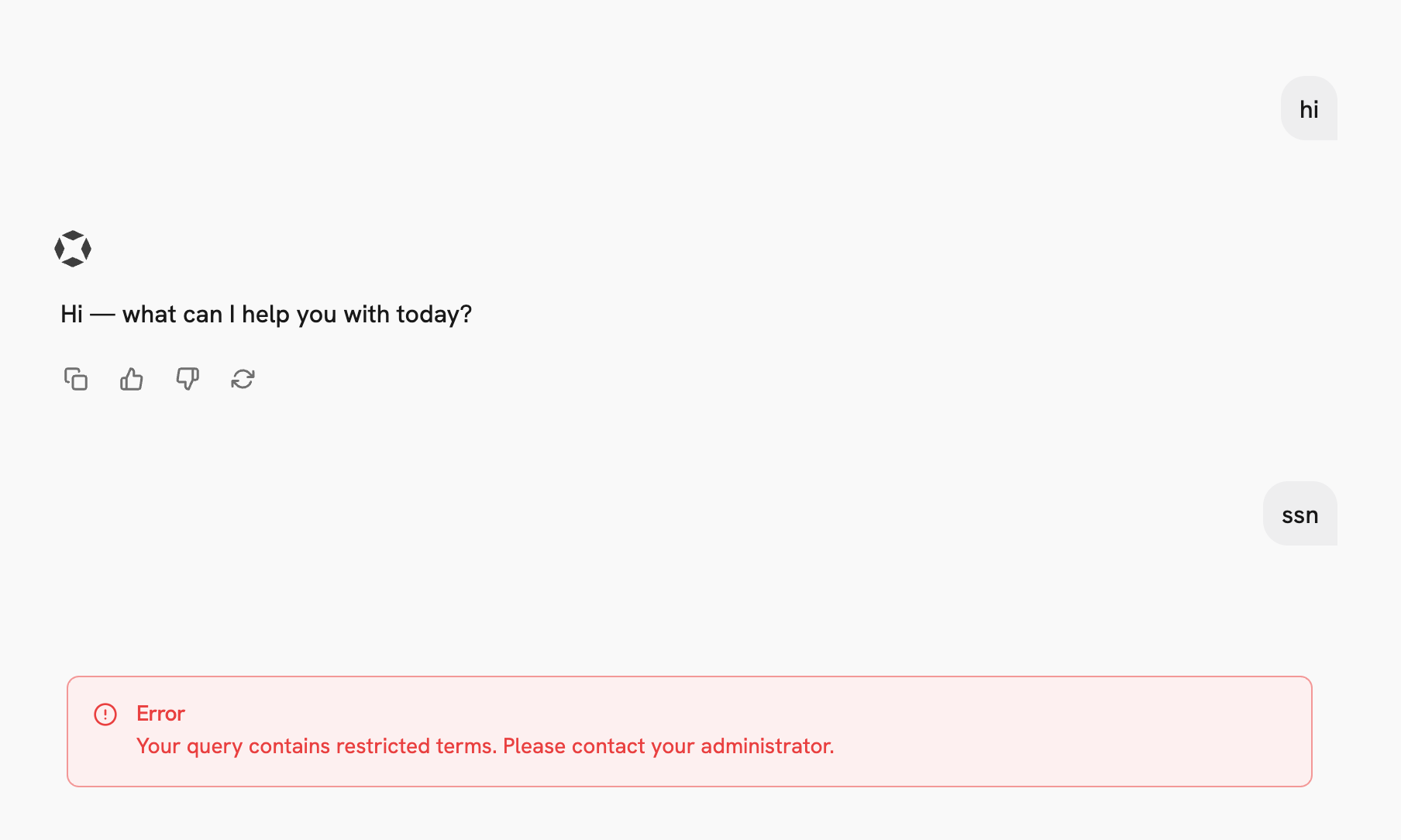
The Query Processing hook point lets you intercept every user query before it enters the Zortex pipeline. Your endpoint receives the raw query and the user’s identity, and can rewrite the query, reject it entirely, or pass it through unchanged. It runs immediately after the user submits a message, before anything is saved to the database or sent to the LLM. This is the earliest possible point in the pipeline — no side effects have occurred yet.Input Schema
Zortex sends aPOST request to your endpoint with the following JSON body:
Output Schema
A successful response from your endpoint must return HTTP200 and a JSON body:
Example: Pass through unchanged
Example: Pass through unchanged
Example: Rewrite the query
Example: Rewrite the query
Example: Reject the query
Example: Reject the query
Authentication
If you configured an API key when registering the hook, Zortex includes it in every request:Lambda Example
You can use an AWS Lambda function as your hook endpoint by exposing it over HTTPS via a Lambda Function URL. This is the simplest way to deploy a hook without managing a server. When Zortex calls your endpoint, the request arrives as an API Gateway-style event. Your handler reads the JSON body fromevent["body"], processes the query,
and returns a response with a statusCode and a JSON-encoded body.
If you configured an API key on the hook, validate it against the Authorization header in the event before processing.
Lambda Example (Python)
Lambda Example (Python)
Testing
Usecurl to test your Lambda Function URL before connecting it to Zortex.
Pass-through (no blocked keywords):
Suggesting a New Hook Point
If your use case requires a pipeline injection point that doesn’t exist yet, open a GitHub issue describing:- Where in the pipeline you need to inject logic (e.g. after retrieval, before document indexing)
- What your endpoint would receive — what context does it need to do its job?
- What your endpoint would return — how should Zortex change its behavior based on your response?
- Use cases — what problem does this solve? Are other customers likely to need the same point?