
Web Search in Zortex
On Zortex Cloud
Web search is already active and ready to use on Zortex Cloud - no additional configuration required!Self-Hosted
1
Naivigate to the Web Search Dashboard
Click your user profile icon and select Admin Panel and select the Web Search tab in the sidebar.
2
Set up web search providers
We currently support the following web search providers: Exa AI, Serper, and Google PSE. To set any ofthem up,
follow the steps below.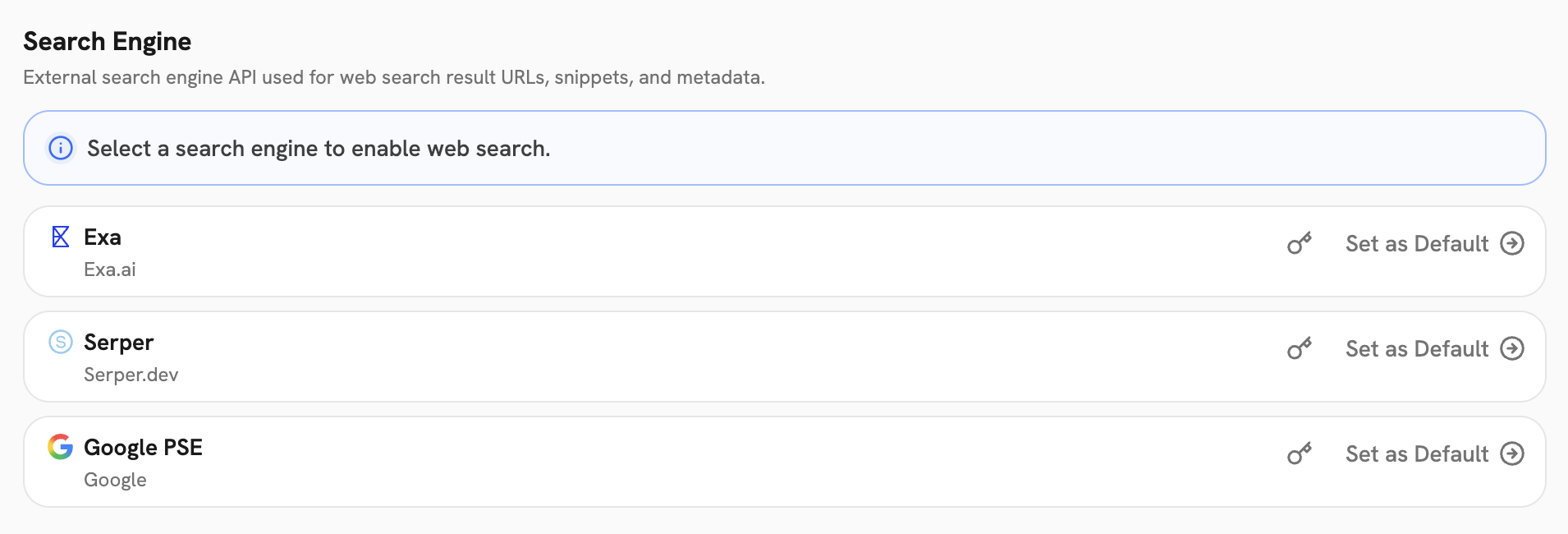
- Exa AI
- Serper
- Google PSE
Create an Exa API key in the Exa AI dashboard.In Zortex, click Connect and paste the API key in the API Key field.
3
Set up Web Crawler
We currently support the following web crawlers: Zortex web crawler and Firecrawl. To set them up,
follow the steps below.
- Zortex Web Crawler
- Firecrawl
(Recommended) It is already set up and ready to use, no additional setup required.
4
Set Default Provider
Make sure to Set as Default the provider if you have multiple providers set up for the search engine and web
crawler. You can change it at any time.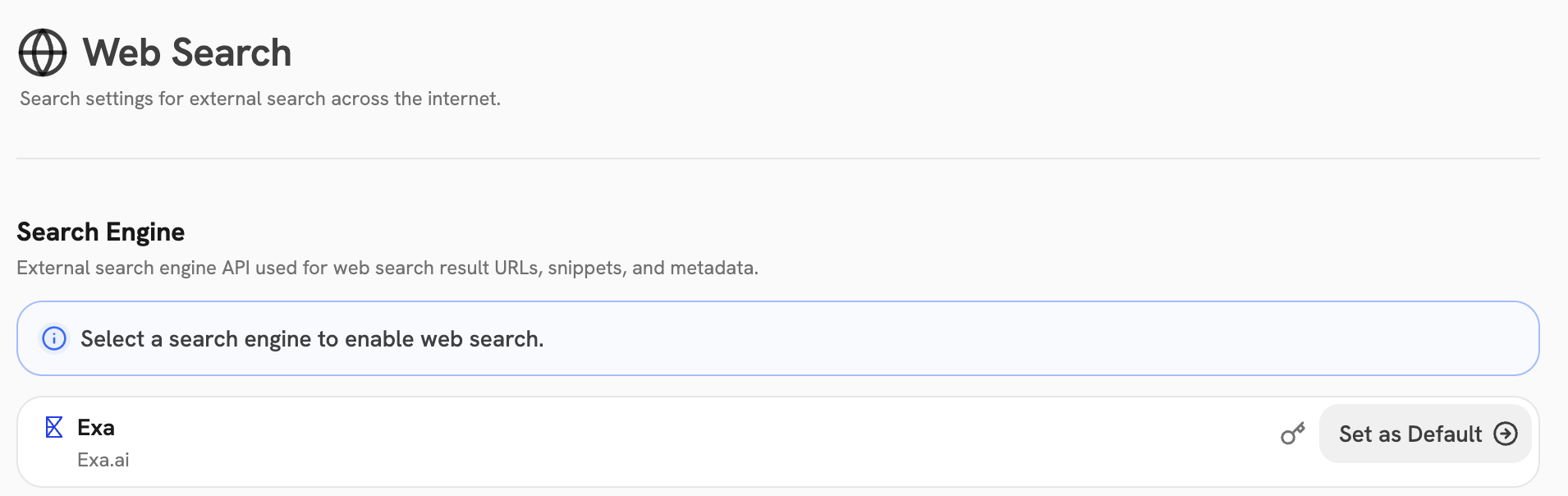
Make sure your Agent has the Web Search Action enabled!