
Actions Dashboard
Actions can be viewed and configured in the Actions tab of the Admin Panel sidebar.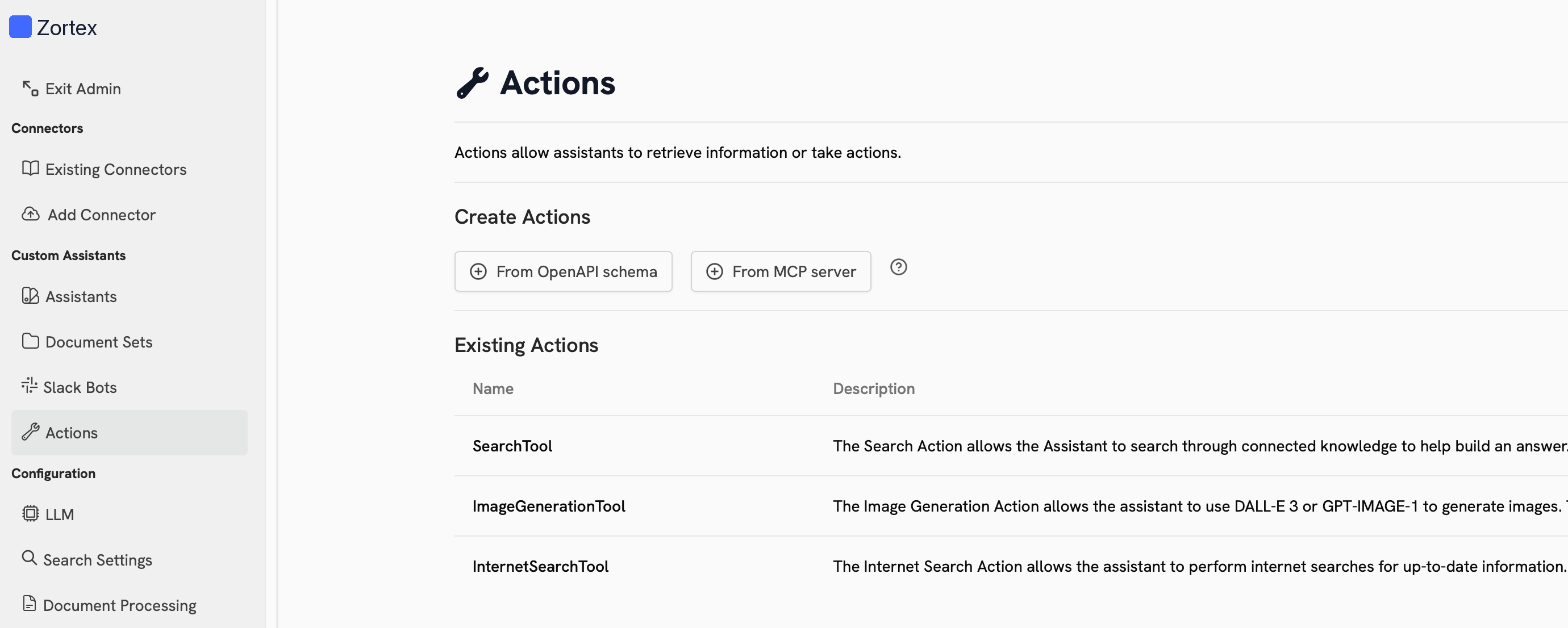
Built-in Actions
Zortex comes with several built-in Actions:Custom Actions
You can configure custom Actions in Zortex using Model Context Protocol (MCP) or an OpenAPI specification. Click the cards below to learn more about each option:MCP
Connect Zortex to a Model Context Protocol (MCP) server
OpenAPI Custom Action
Create custom actions in Zortex with an OpenAPI specification
Using Actions
To use an Action, you must configure an Agent to have access to it. Zortex’s built-in Actions are available in the general Chat experience. Once your Agent has access to the action, it will automatically determine when and which Actions to invoke.Next Steps
Configure Web Search
Configure the Web Search Action to use your preferred search provider
Configure an Agent to use your Custom Action
Configure an Agent to use your Custom Action